
Which Apple Watchs come in for this
12 of these repairs in our system in the last 90 days, by model.
- Ultra3
- Other models3
- Series 42
- SE (1st gen)1
- SE (2nd gen)1
- Series 61
- Series 71
Try this first
- Put it on the original charger and leave it for a while — a fully flat watch may show nothing at first.
- Clean the back of the watch and the charger face; dirt can stop it charging.
- Force restart: hold the side button and the Digital Crown together for at least 10 seconds until the Apple logo appears.
If it still doesn't come on
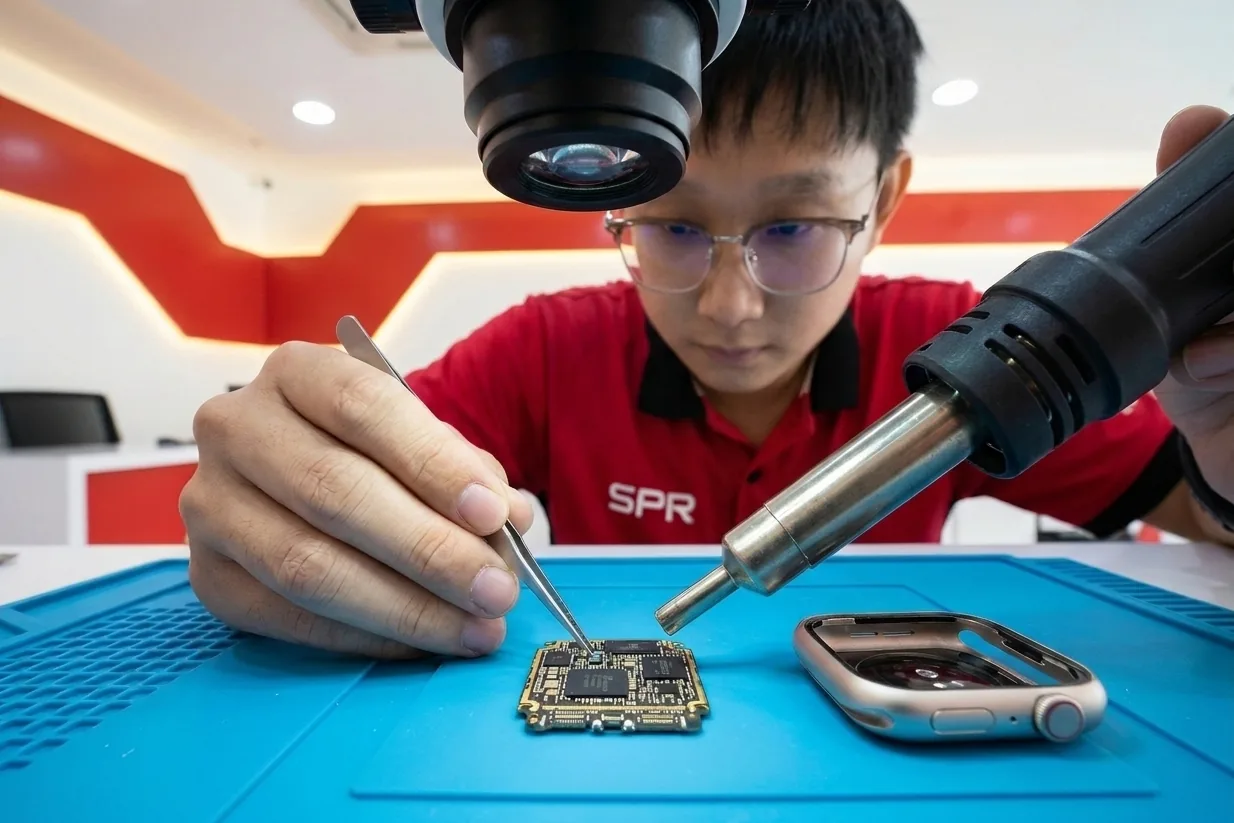
Bring it in. The technician checks the battery and charging first, then the board. Board work is a repair, not a swap — we tell you what we find and what it would take before any work starts.
Board repair carries 180 days warranty for the same board fault.
After water damage, switch the watch off and don't charge it. The sooner it is checked, the better the chances.
Tell us the model and what happened.
Prices depend on the model and the part, so we don't list them here. A WhatsApp message gets you the exact quote — free, and you decide before any work starts.
Free quote on WhatsApp